
Case study
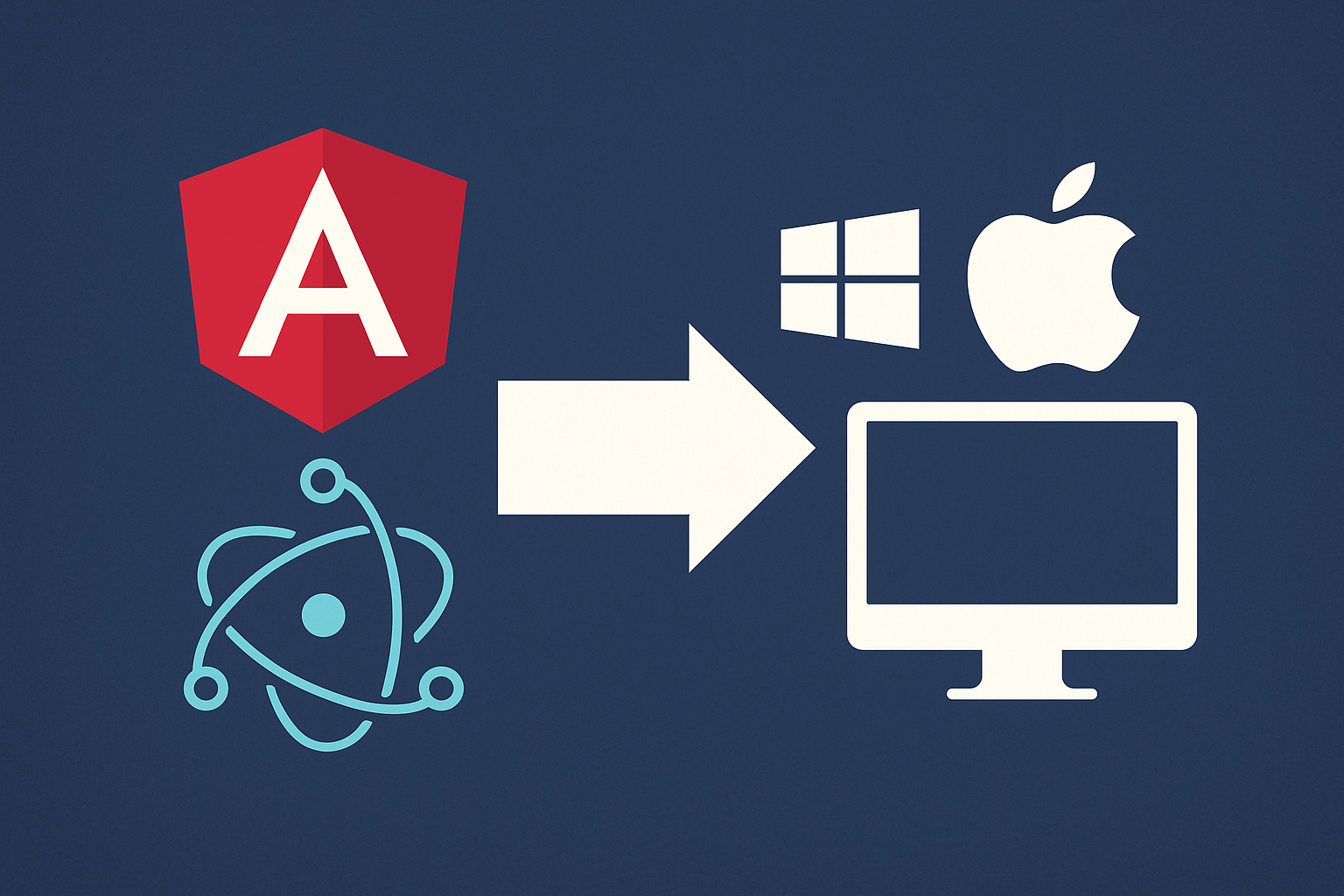
How to turn an Angular web app into an Electron desktop app for Windows and macOS
schedule3 min
calendar_today30 June 2025
syncCaricamento...
Background: why a web app is not enough (any more)
Today many companies start with an Angular web app because it is quick to develop, easy to deploy and flexible across platforms. But there are contexts — corporate environments, internal teams, closed networks, fixed workstations — in which an installable desktop app is preferable or even necessary.
That is exactly the case we handled at Shellonback: a CRM developed in Angular, originally designed for the browser only, had to evolve into a full-featured desktop app for Windows and macOS.
Goal: taking the user experience beyond the browser
It was not simply a matter of “wrapping” the app in Electron, but of delivering:
- A native experience on both operating systems
- Distribution through MSI and DMG installers
- Automatic, signed and silent updates
- Compatibility with corporate environments (proxies, certificates, AD)
- Secure local access and file system integration
- Speed and stability comparable to a native app
Architecture
We kept the Angular core as an SPA already optimized for the browser and integrated it into an Electron project managed with electron-builder, following this structure:
📁 root
├── 📁 angular-app (built SPA)
├── 📁 electron
│   ├── main.ts (main process)
│   └── preload.ts (contextBridge)
└── 📄 electron-builder.config.js
Technical details we implemented:
- Secure IPC communication: no direct calls from the renderer; everything goes through
contextBridgeandipcRenderer, securely and sandboxed. - Cross-platform auto-update: integration with
electron-updater, support for Squirrel.Windows and a notarized DMG with Apple signing. - Data persistence: fallback to IndexedDB for Angular, but also support for local SQLite through
better-sqlite3with native bindings. - System notifications: handled through the
NotificationAPI for consistency with Angular, but with a native fallback to Windows Notification Center/macOS Notification Center. - Offline support: smart caching through a
Service Worker, which is still useful in Electron when Angular is built as a PWA. - Kiosk/embedded mode: for workstations in retail environments, the option to launch the app in locked full-screen mode.
Distribution & DevOps
We set up a dedicated CI/CD process with GitHub Actions:
- Angular + Electron build
- Packaging for Windows (.exe, .msi) and macOS (.dmg, notarization)
- Deploy to a custom update server (compatible with autoUpdater)
- Digital signing with EV/Apple Developer ID certificates
Result
The result is an app that can:
- Be installed like standard software
- Work offline, even in closed environments
- Update itself automatically
- Integrate with the operating system
- Preserve all the value of the existing Angular stack
All this without rewriting the application from scratch, but by optimizing what was already there with a solid Electron-based infrastructure.
Final considerations
Turning a web app into a desktop app is not just a matter of looks or convenience: it can enable strategic use cases, in contexts where the connection is not guaranteed or where integration with the local environment is essential.
At Shellonback this is the kind of project we are passionate about: we bring together web experience, desktop infrastructure, attention to UX detail and professional release pipelines.
Want to do the same with your web app?
Whether it is a CRM, a management system or a dashboard, we can help you turn it into an elegant, powerful desktop app.
Contact us
http://shellonback.com/contact