
Case study
On-premise OCR: an effective, secure way to scan documents
schedule3 min
calendar_today10 January 2026
syncCaricamento...
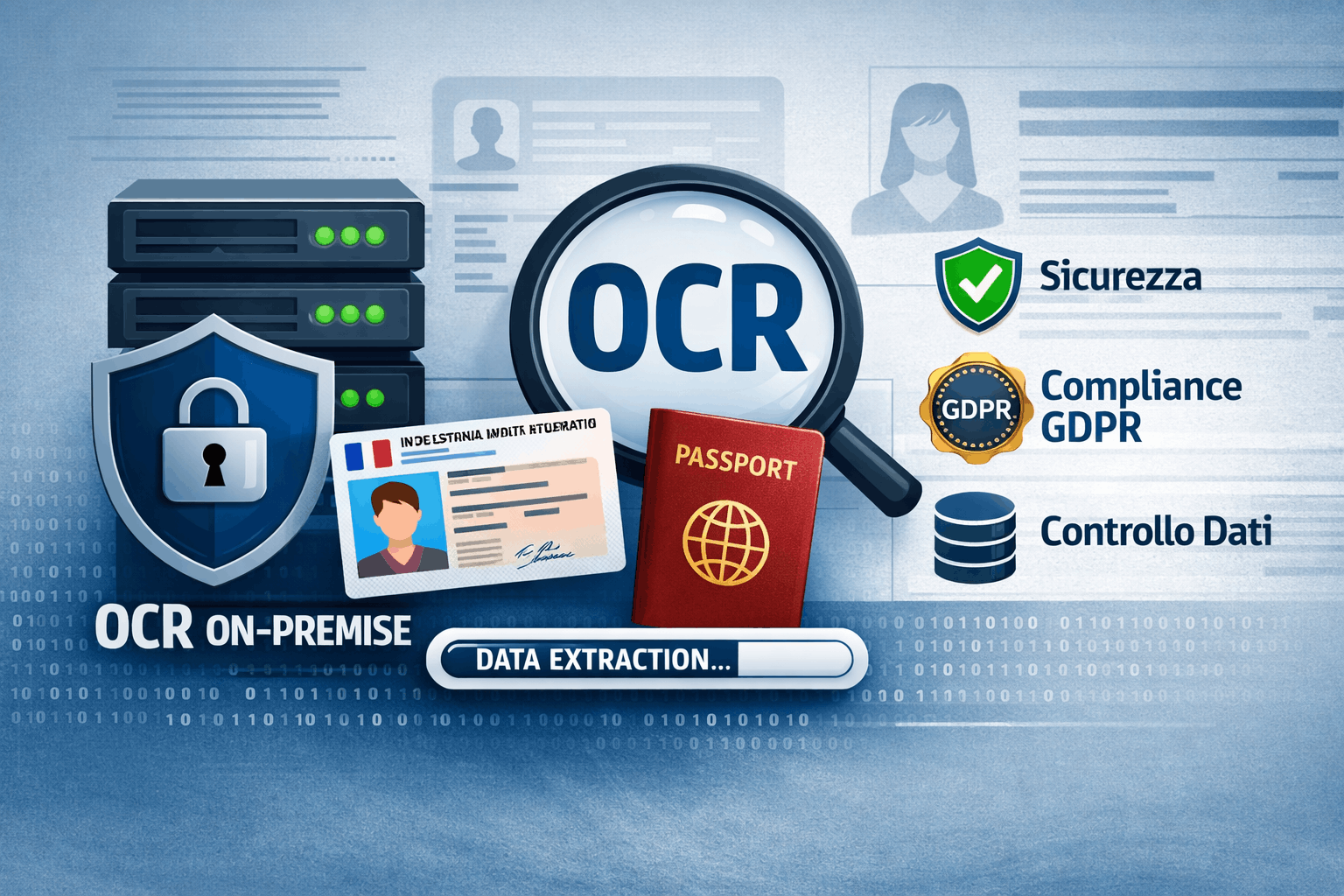
Digitising documents has become a necessity in a great many contexts: hospitality, property management, access control, user onboarding, attendance management.
One of the most frequent cases is the scanning of identity documents to automate processes that, until recently, were entirely manual.
This is where OCR (Optical Character Recognition) comes in.
But not all OCR systems are the same, especially when it comes to sensitive data.
Why avoid OCR based on public AI
Many cloud solutions promise “turnkey” OCR through public AI services. They are simple to use, quick to integrate and often cheap at the start.
The problem emerges when you look at what actually happens to the data.
With identity documents, we are talking about:
- personal details
- document numbers
- dates of birth
- images of official documents
With OCR services based on public AI:
- you have no real control over data retention
- it is not always clear whether the data is used for training
- the processing may involve external sub-processors
- GDPR compliance becomes hard to demonstrate
In many real projects, this route turns out to be risky or not viable.
On-premise OCR: full control and compliance
An on-premise (or self-hosted) OCR is a system installed on a machine controlled directly by the company or by its technical supplier.
The main advantages are:
- The data never leaves the infrastructure
- No transmission to external services
- Full control over storage and deletion
- Easier alignment with GDPR and internal policies
- Predictable costs over time
It is a particularly suitable choice when:
- you handle identity documents
- you work in hospitality or property management
- an audit log of operations is required
- security matters more than “convenience”
A real case (no names)
In a recent project, a digital concierge system managed:
- access to apartments
- users with different roles
- automated check-in processes
During the analysis, the need emerged to:
- scan identity documents
- extract the data automatically
- fill in forms and send them to external systems
The first idea was to use a cloud OCR service.
After a technical and regulatory assessment, the decision was instead to:
- adopt an on-premise OCR
- test several open source solutions
- choose the most reliable one on real documents
- integrate everything into the existing flow
The result was a system that is:
- more secure
- easier to control
- more sustainable over time
Open source OCR: which one to choose?
Among the various solutions available, one of the most mature and reliable is Tesseract OCR.
Why Tesseract
- long-standing open source project (Google)
- supports many languages (Italian included)
- very good performance on standard documents
- easy to integrate via CLI or API
- large community and documentation
Combined with a good image pre-processing stage (resizing, contrast, grayscale), Tesseract is more than enough for:
- identity cards
- passports
- standardised documents
For more complex cases it can be paired with:
- image enhancement pipelines
- layout detection models
- structured parsing of the extracted fields
Simple but effective OCR: the right approach
A common mistake is to look for solutions that are “too clever” when the problem is actually well defined.
An effective OCR should:
- Receive clean images
- Extract only the fields that are needed
- Validate the data
- Always leave a final human confirmation
This approach reduces:
- errors
- costs
- unnecessary complexity
Conclusion
On-premise OCR is not an “old” or limiting choice.
It is often the most modern choice, especially when security, compliance and control are the priority.
In many real projects, adopting a well-integrated open source OCR means:
- sleeping more soundly
- avoiding future problems
- building solid, sustainable systems
The right technology is not the loudest one,
but the one that works well over time.